Skip navigation

Locating places

Maps basics

At present, we use mobiles to get around. Thanks to the GPS we can go where we want easily.

We can check on the computer maps of cities worldwide. Also we can have a look at real streets of Manchester or London.

Traditional maps in paper or pictures are still very useful, for example to find our way in buildings or in a zoo. In addition, basic things about maps are still very helpful today. Watch the video below:

What are Maps? - Learn & Grow Kids Geography Lesson. LeapFrog. (Accessed on 08/05/18).

TIME FOR...

Chalkboard blackboard. Prawny. Pixabay. CC0

Step 1. Find the pair, match these words with other words/phrases:

  • Scale
  • Key (symbols)
  • Countries
  • Compass rose
  • Cities and landmarks
  • North - East - South - West
  • Legend
  • Distance between places

Use a piece of paper.

You can use Cambridge dictionary in case of any doubt.
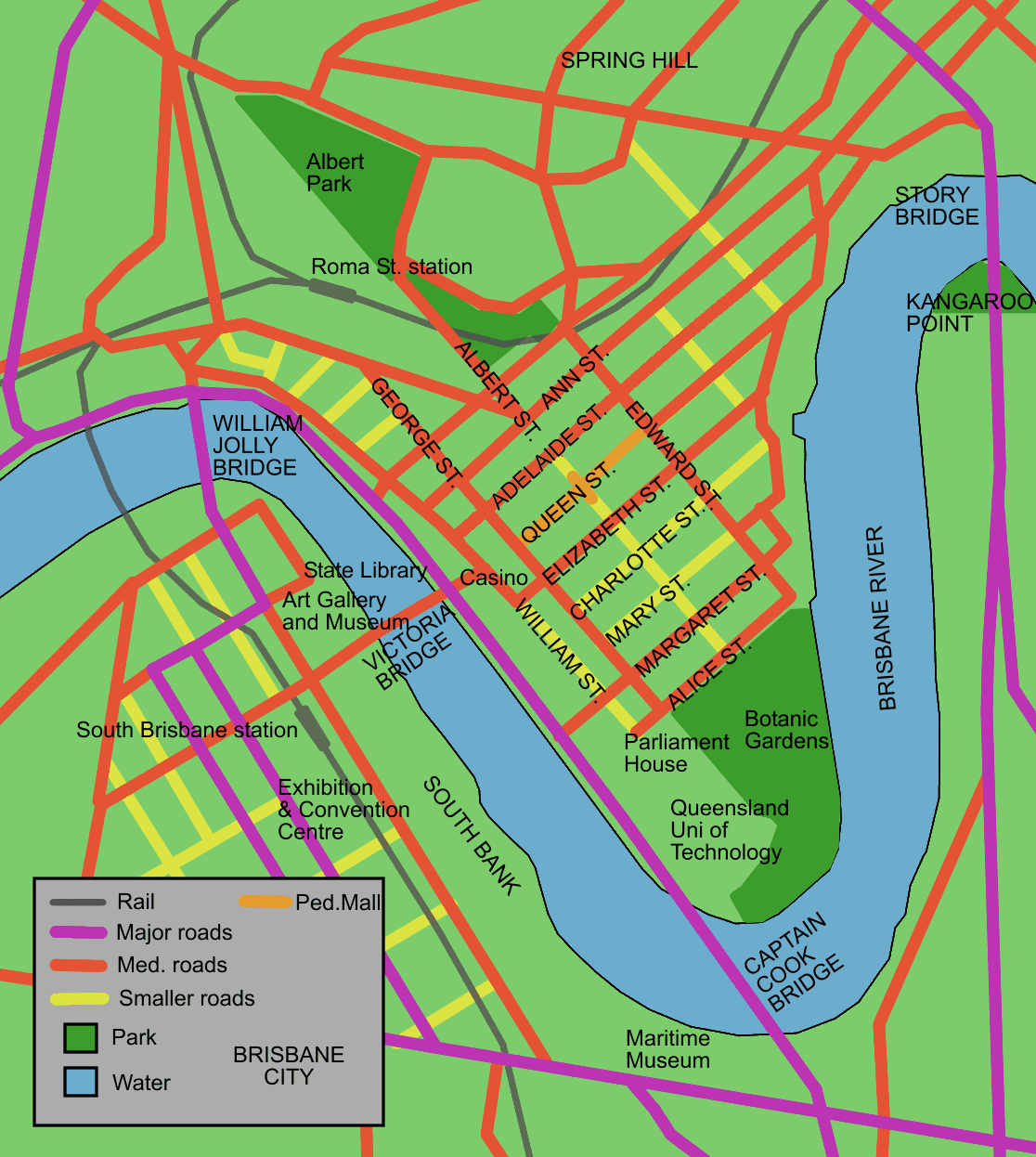
Brisbane map of city cbd. Diceman. Wikipedia.CC BY-SA

Step 2. Complete the map with the missing information:

Add to the map the following information, find the map attached in a worksheet.

  • Scale: draw a scale, 1cm : 100metres. Indicate 200 and 500 metres.
  • Compass Rose: where is the North? Draw it.
  • Key: use symbols for bridges, buildings (universities, stations, museums, parks, public buildings, landmarks such as the Casino).

Here you have a little help with the cardinal points. Look up the words in the Cambridge dictionary:


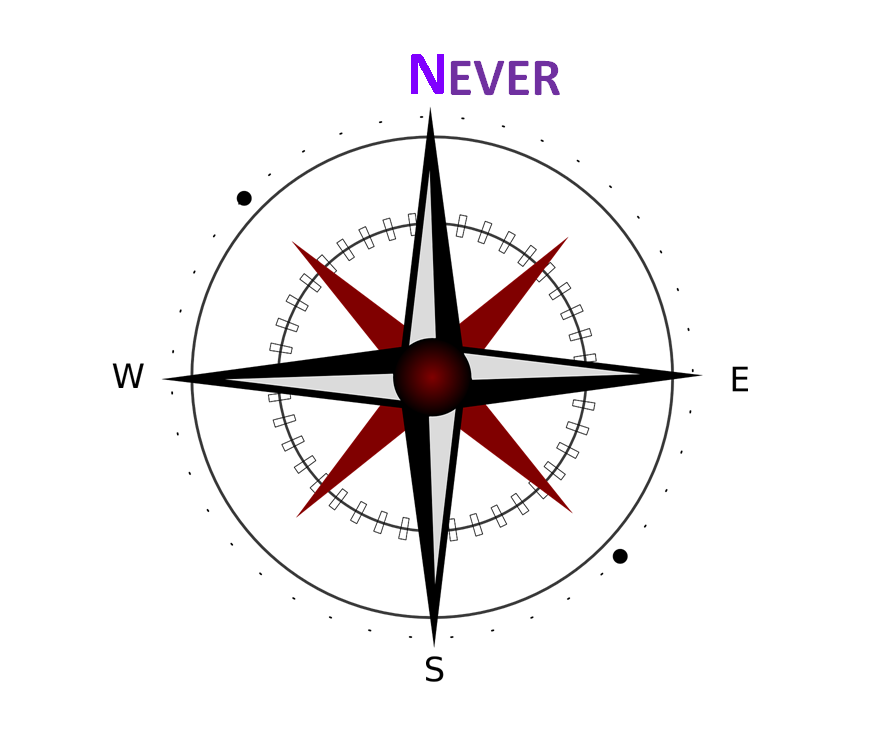
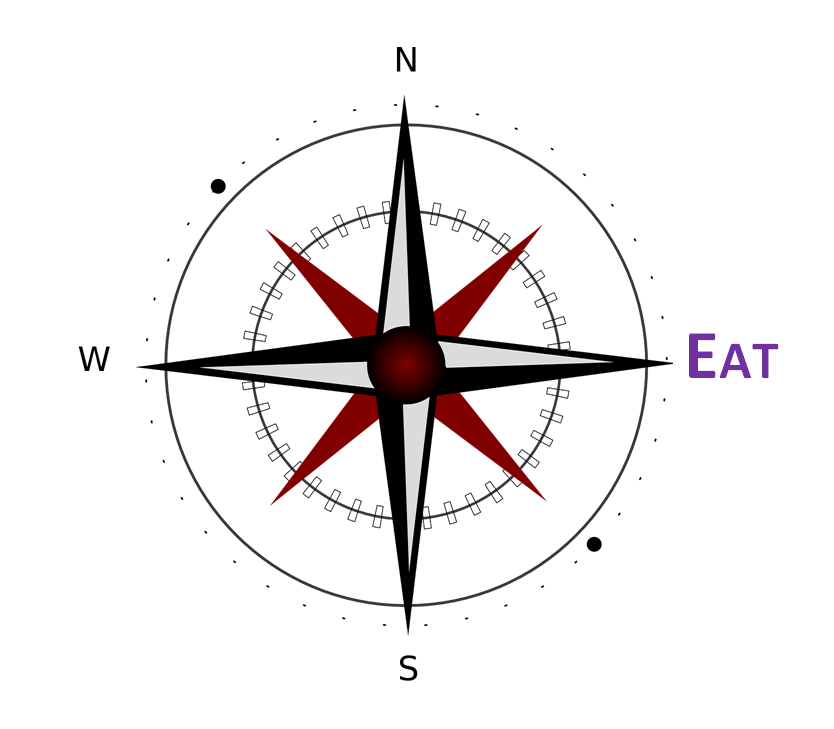
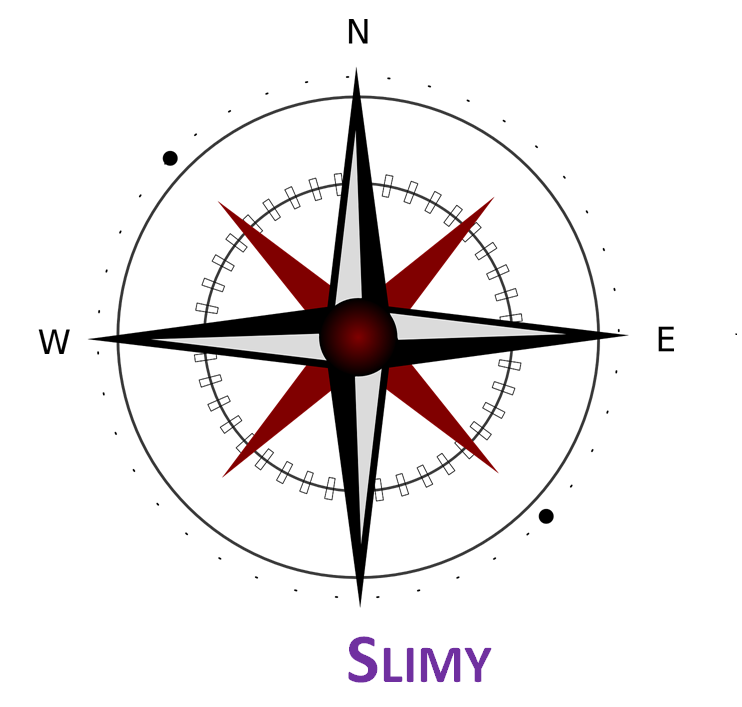
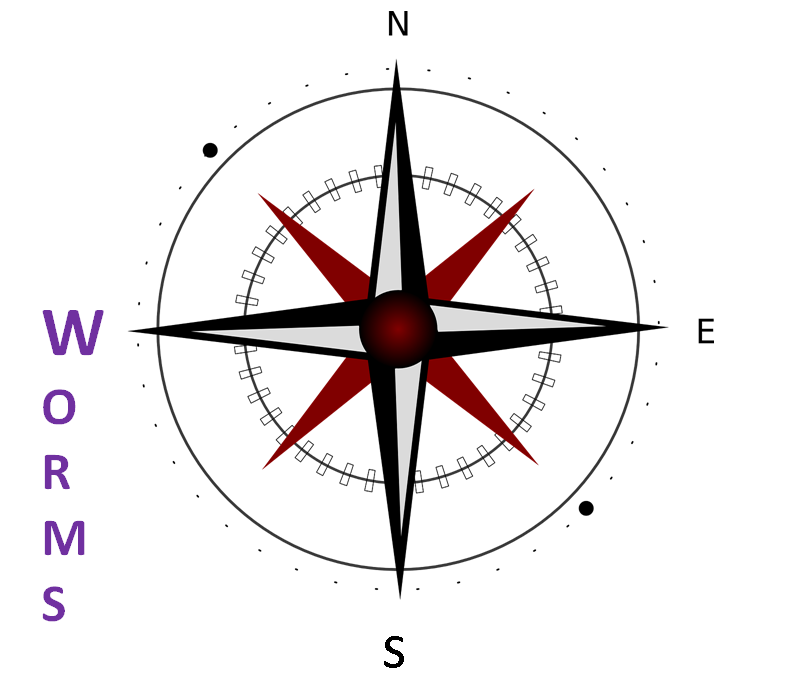
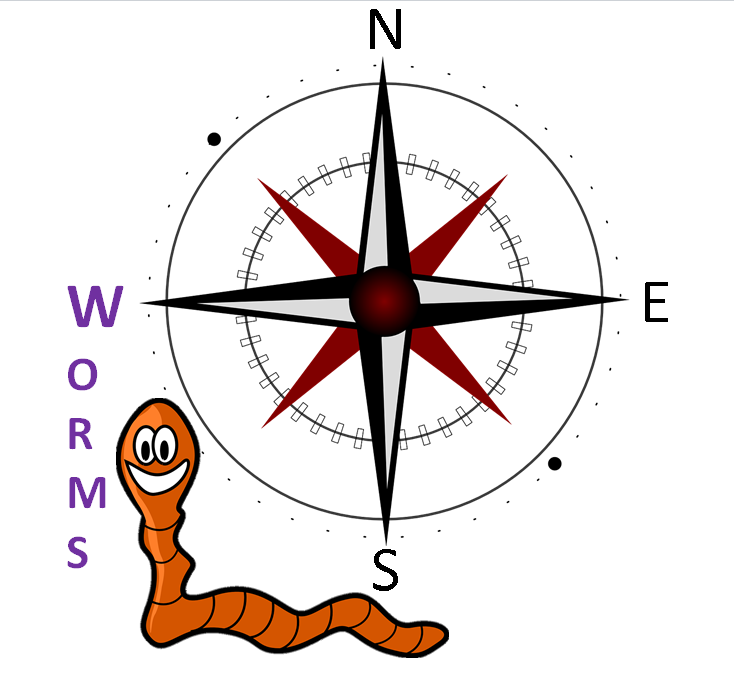
- Check the Feedback tab:  do you understand Never Eat Slimy Warms?

- When you finish switch pairs and talk about the map. You can ask how far a place is: measure the distance with the ruler and calculate.

- Ask about cardinal points: for example, is Spring Hill South?

Map your classroom

TIME FOR...

Teamwork team. Geralt. Pixabay. CC0

Draw a map of your classroom

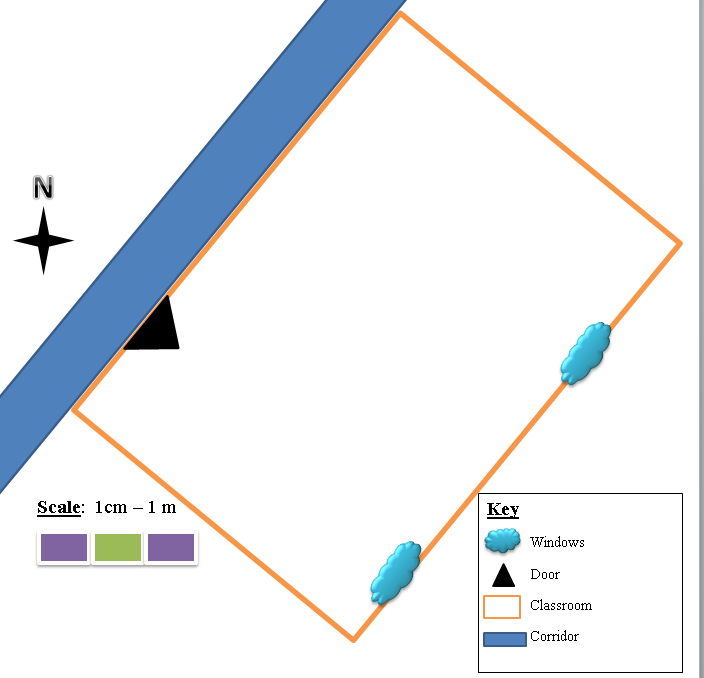
Map Classroom. The authors. CC BY-SA

STEP 1.  With the help of a compass, point to the North that way you can orient the classroom in the map. Look at the example in the picture. Remember the compass rose.

STEP 2. Measure your classroom, you have to know the exact metres. In your map one centimetre equals one metre.

STEP 3. Draw in your map the corridor or the playground, you have to put windows and doors as well. You can use your own figures or symbols, but remember to put them in the Key.

STEP 4. Use symbols for the different parts of the classroom (library, board, teacher´s desk, games area, etc.).

STEP 5. Play with your map using cardinal points and scale. For example you can say: Walk ten metres, where are you? In front of the door or the window?

Virtual maps: let´s travel!

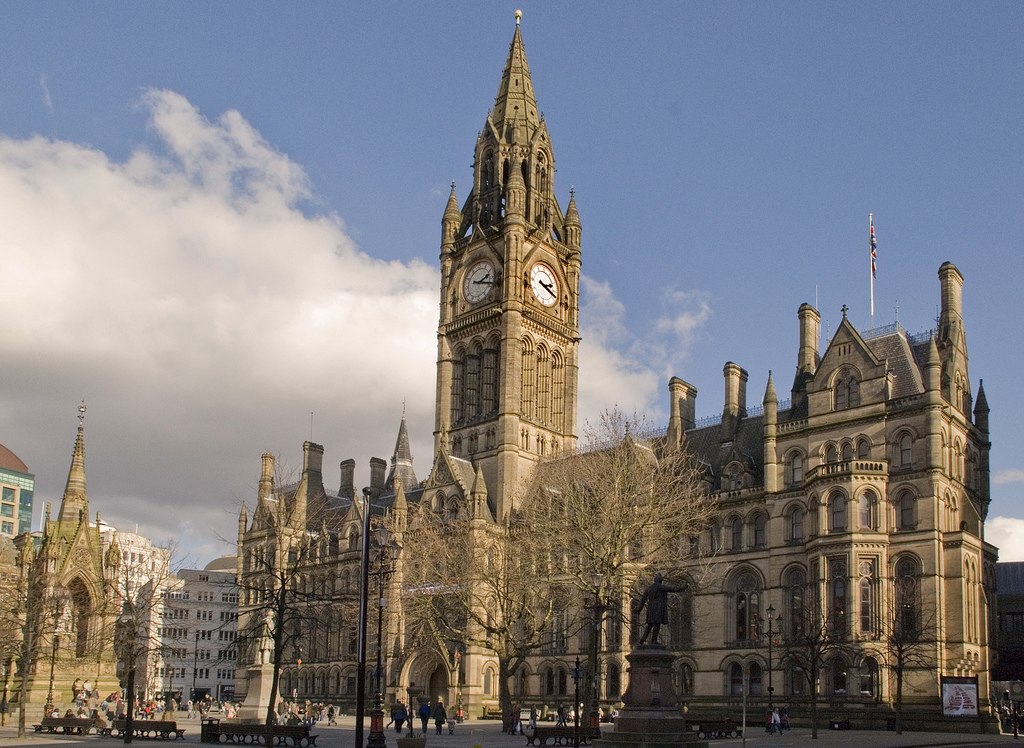
Manchester Town Hall from Lloyd St. Mark Andrew. Wikimedia. CC BY

Do you know this city?

TIME FOR...

Chalkboard blackboard. Prawny. Pixabay. CC0

Maybe you know about football clubs Manchester United and Manchester city, but you can visit  the city from your classroom.

Pay attention now in this video, on how you can use Google maps to check for directions, calculate how far is something and much more. Let´s go:

Google Maps Tutorial for Kids. The authors. CC BY-SA


TIME FOR...

Teamwork team. Geralt. Pixabay. CC0

Answer these questions in a piece of paper in your groups:

1. Do you think the scale is useful in virtual maps?

2. Is it important to know about north to understand any map?

3. Are you familiar with sings in Google Maps?

4. Did you know you can calculate distances and time?

6. Is it important to have routes in public transport?

7. Can you use Google Maps with your bike?

8. Is it useful going by foot?

9. What about the pictures of landmarks or popular places?

- Now that you understand the basic features of Google Maps, you can visit any place in the world.

- Check your area, is there a lot of information about it?

TIME FOR...


Feedback confirming. Geralt. Pixabay. CC0

- Answer the questions all together and compare.

- Make a list with suggestions to send to Google.

- Make a list with important places you can find in your area.

Using maps

TIME FOR...

Teamwork team. Geralt. Pixabay. CC0

TASK 1

Work in your group with Google Maps answering these questions:

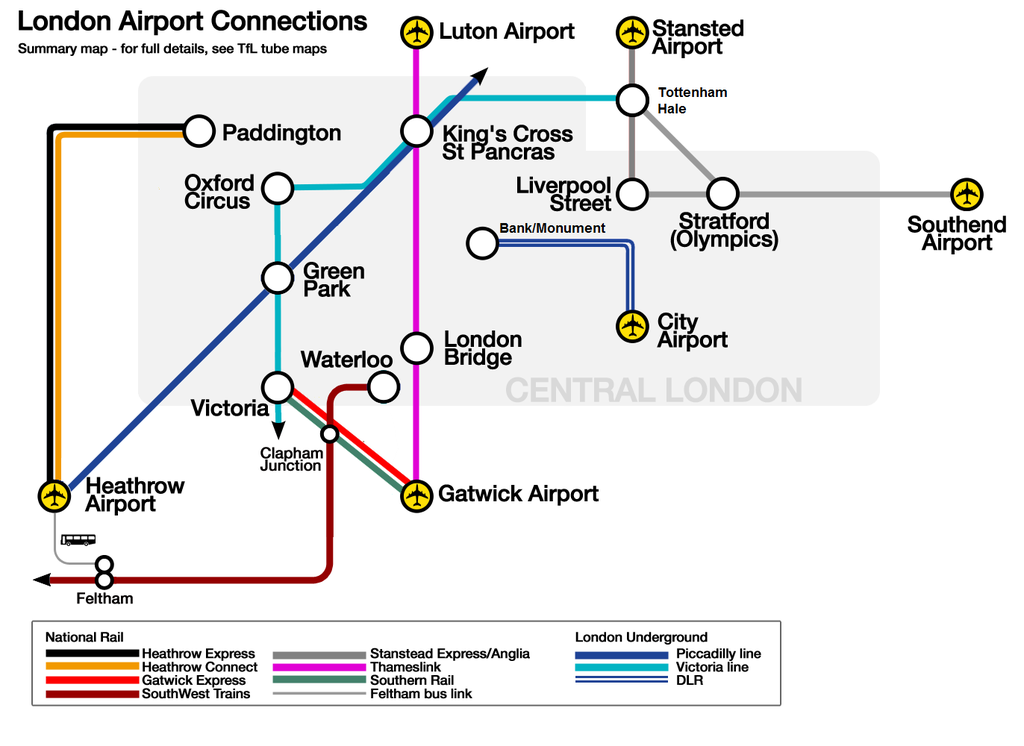
- How far is my airport in London? (each group has a different airport)
- Does it take more time by car or by train from Gatwick Airport to Victoria?
- You are in Paddington, where is the nearest airport? How long does it take going by bike?

London airport links map. Cnbrb. Wkimedia. CC BY-SA

TASK 2

Find where is the Big Ben and the River Thames. Try to situate both in the map:

STEP 1.  The Big Ben is by the river, so first locate the river. It is south, so start to locate the stations and airports from the south to check if the river is below or above them.

STEP 2. When you locate the river, start with the Big Ben. It is between some of the Central London stations.

STEP 3. Draw in your map the river and the monument. Make a Key where you give information.

TIME FOR...


Feedback confirming. Geralt. Pixabay. CC0

Share your map with the group:

  • Do you have all the same?
  • Was it difficult to locate the river and the Big Ben?
  • Is it difficult to work with a simple map, only containing information about stations and airports?

Enable JavaScript

What are we learning?

Record with your group in OBS STUDIO the new words or ideas of this lesson, you can give examples or show pictures.

Do you need help? Have a look at the video with the instructions on Sightseeing is cool page.

Save your recording in your group folder with the name: Progress 2.

Success Gradual. Geralt. Pixabay. CC0