Skip navigation

Representing ideas

Ideas can change the world

Are you ready to start thinking?

TIME FOR...


Chalkboard blackboard. Prawny. Pixabay. CC0

Look at this picture:

Icon Computer. Elisa Riva. Pixabay. CC0

  • What do you know about it?
  • How often do you see it? Where?
  • Do you know who invented it?

Did you guess? CONGRATULATIONS!!!

TIME FOR...

Girls read. Kidaha. Pixabay. CC0

Now, let's meet the inventor of the idea: listen to this Voki Avatar (Accessed on 10/04/18).
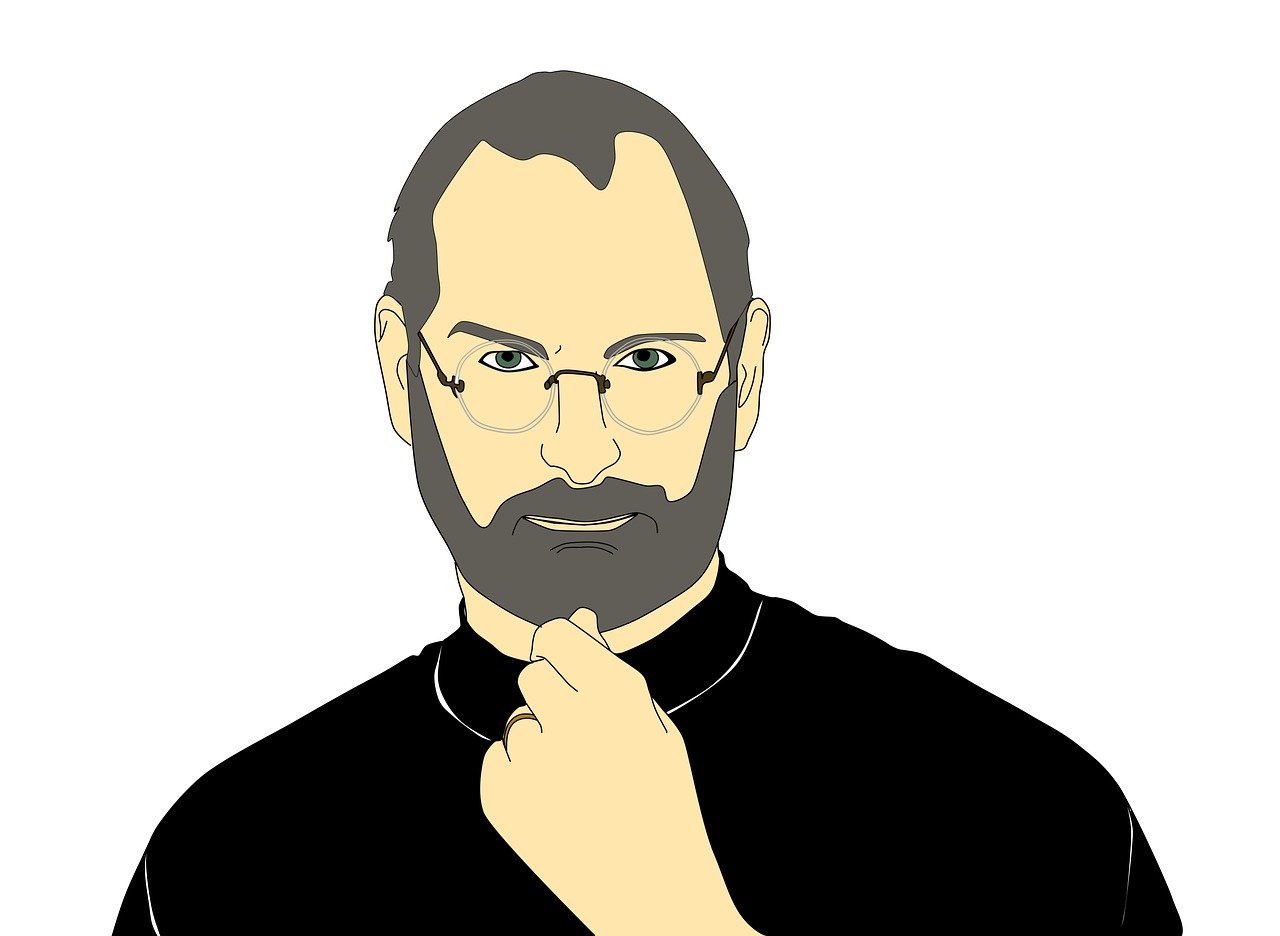
Steve Jobs. Waldryano. Pixabay. CC0

While watching write down in your notebook the important information he points out about:

- His name

- His age

- His company

- Who he helped

- What he made easier

TIME FOR...

Feedback confirming. Geralt. Pixabay. CC0

REVIEW TIME! What's their job?

Question

TIME FOR...

Girls read . Kidaha. Pixabay. CC0

Play this game in Games to Learn English (Accessed on 15/04/18) for a bit, choose the option "jobs".

QUIZZ

Lens woman. Deedee86. Pixabay. CC0

Answers

Architect

Musician

Photographer

Computer expert

Feedback

Question

Guitar music. Ryan McGuire. Pixabay. CC0

Answers

Architect

Musician

Photographer

Computer expert

Feedback

Question

Laptop business. Lukasbieri. Pixabay. CC0

Answers

Architect

Musician

Photographer

Computer expert

Feedback

Question

Blueprint ruler. Wokandapix. Pixabay. CC0

Answers

Architect

Musician

Photographer

Computer expert

Feedback

Working together in an idea

TIME FOR...

Teamwork team gear. Geralt. Pixabay. CC0

All the people in the exercise above invent new things: buildings, pictures, songs, computer programmes... There are different types of inventors.

In your group you are going to explain a current brand, product, service or initiative that you like.

STEP 1. Look for some information on the internet. Click on the picture to open Ecosia, a search engine that plants trees. You are planting trees with every search!!

Ecosia-like logo. Nagualdesign. Wikimediacommons. CC0

STEP 2. Search there for lists of inventions or ideas.

STEP 3. If you don´t like any, start a brain storming in your group, proposing your own ideas.

STEP 4. Vote and choose one of the ideas.

STEP 5. Create your avatar using Voki. Watch the video tutorial first and then click on the picture below to customize your avatar.

Child avatar. DavidRockDesign. Pixabay. CC0

How to create your first Voki. Official Voki (Accessed on 24/04/18)


STEP 6. Share your avatar with the class. 

What are we learning?

Record with your group in OBS STUDIO the new words or ideas of this lesson, you can give examples or show pictures.

Do you need help? Have a look at the video with the instructions on Bright Ideas page.

Save your recording in your group folder with the name: Progress 2.

Success Gradual. Geralt. Pixabay. CC0